

Is your business ready for an emergency?
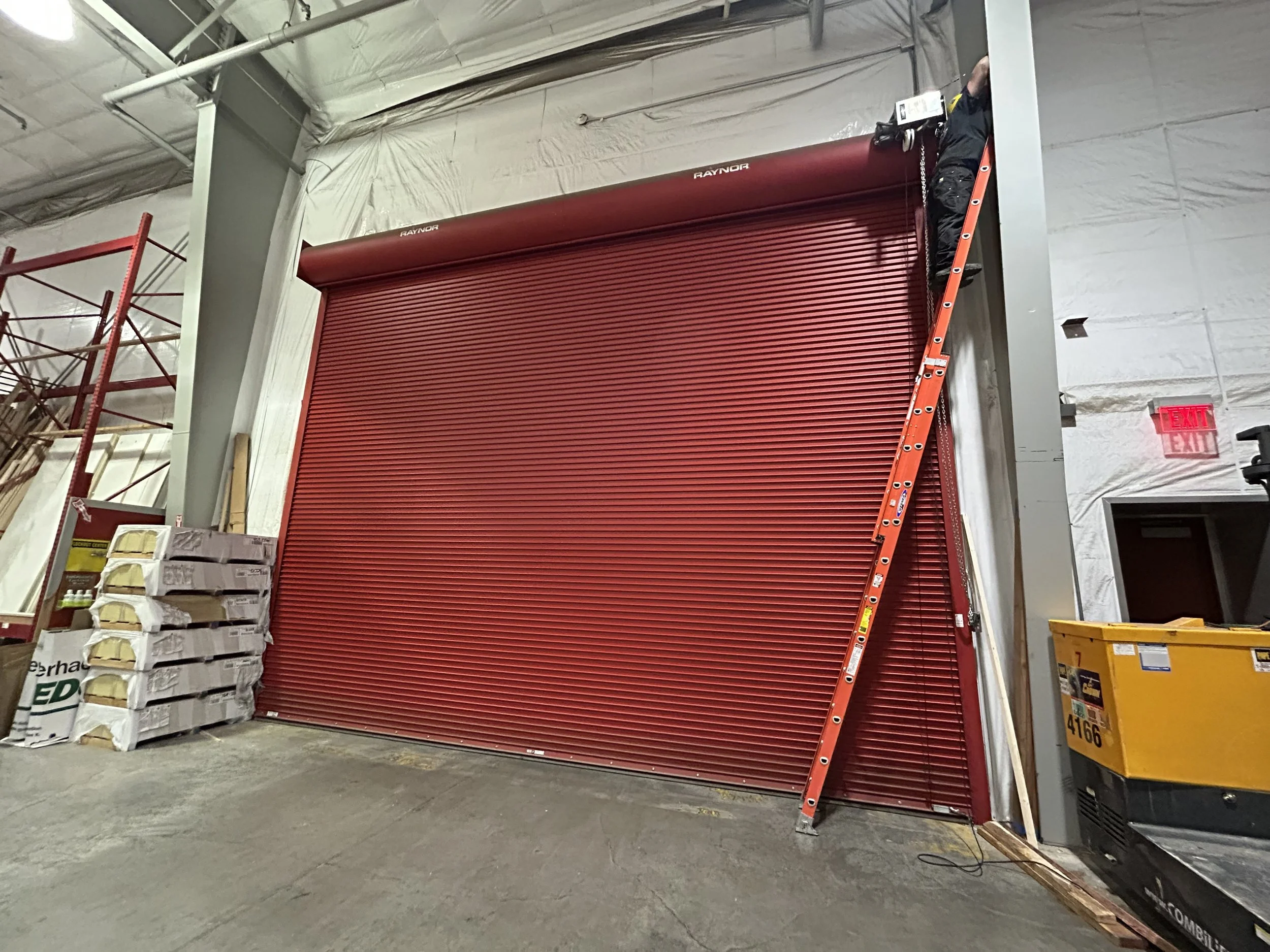
Have you really stopped to think where your overhead doors, automatic gates or access security system fit into an emergency plan?
Emergency preparedness for your business includes all types of things: exit routes, designated meeting points, and prevention plans. But have you stopped to think where your overhead doors, automatic gates or access security system fits into that?
Most people don’t think about them in an emergency until….the emergency. And that’s a problem because they control how employees and customers can enter or leave your business, a crucial piece of any emergency plan. So how do you open the front gate manually? Will the entry door keypad keep working? What happens if it doesn’t?
Below is a breakdown of what to know about your doors and gates to keep your customers and employees safe during an emergency:
Fire Doors
The National Fire Protection Association sets the minimum standard for fire door manufacturing, installation and maintenance to “protect openings in walls, floors, and ceilings against the spread of fire and smoke within, into, or out of buildings,” according to its website. NFPA 80 (Standards for Fire Doors & Other Opening Protectives) includes the yearly requirement to inspect and drop test fire doors.
Of course, the hope is fire doors are never needed. Ensuring they're in proper working order if they are, though, can protect property and save lives. In the event of an emergency, it’s important to communicate to your team how fire doors will work. Once the temperature to trip the door is reached, some give a countdown before dropping and others don’t. Filming a drop test as an example is a good way to ensure everyone knows what to expect.
Sectional Doors
Sectional doors are essentially garage doors used for commercial purposes. Some may have operators similar to a garage door. If so, pulling the (usually red) cord hanging from the bar connecting the operator rail to the door should disconnect it. For any using a jackshaft operator or a commercial operator, a manual chain hoist should allow you to open and close the door in the event of a power outage. Your owners manual will have instructions on how to disengage the operator for its specific make and model if that’s needed.
Access Security Systems & Automatic Entry Doors
Depending on how everything is configured for your business, access security systems may control your entry doors and automatic gates. In most cases, these systems are set to fail-secure, automatically closing to prevent entry during a power outage, but fail-safe is the typical default setting for entry doors at consumer-facing businesses, keeping doors open as emergency exits. If set to fail-secure, that’s when you need to be sure employees know how to manually open a door or gate. Any keypads or card readers that are hardwired into an access security system will also either be programmed to fail-safe or fail-secure in the event of an outage. Anything using batteries should continue to function as normal.
Automatic Gates
For automatic gates, a release mechanism, like a keyhole, lever or knob on the motor, should disengage the gate from the operator and allow it to be opened manually if the power is off. This often involves using a physical key provided when the operator was installed. Your owners manual for your gate operator will tell you specifically what/where your release mechanism is as it depends on what type of gate you have. For slide gates, you can typically disconnect it from the operator by using the built-in manual release switch or lever, allowing the gate to be moved freely by hand.
In the event of emergency responders needing to gain entrance to your property, consider adding a fire key switch to your gate’s access security system. The key switch, also called a Knox Box, is only accessible to the fire department. If it is ever switched on, which holds the gate open, the fire department has to come back out with the key to close it.
We’d be happy to explain any programming or demonstrate how your door or gate functions during your next service call so you’re familiar with your systems when it matters most!